logo level
SME
Agency
Large enterprise
contactOperationalControl Panel
newschoosing-a-strong-password-where-do-i-start

Choosing a strong password, where do I start?

Having a strong password is becoming increasingly important. In our digitizing world, new applications are developed every day that collect more and more data on online platforms, making our lives a lot easier. But of course, that also makes it more attractive than ever for hackers to gain access to your data.

SMEAgency‎‎ㅤ09/09/2019
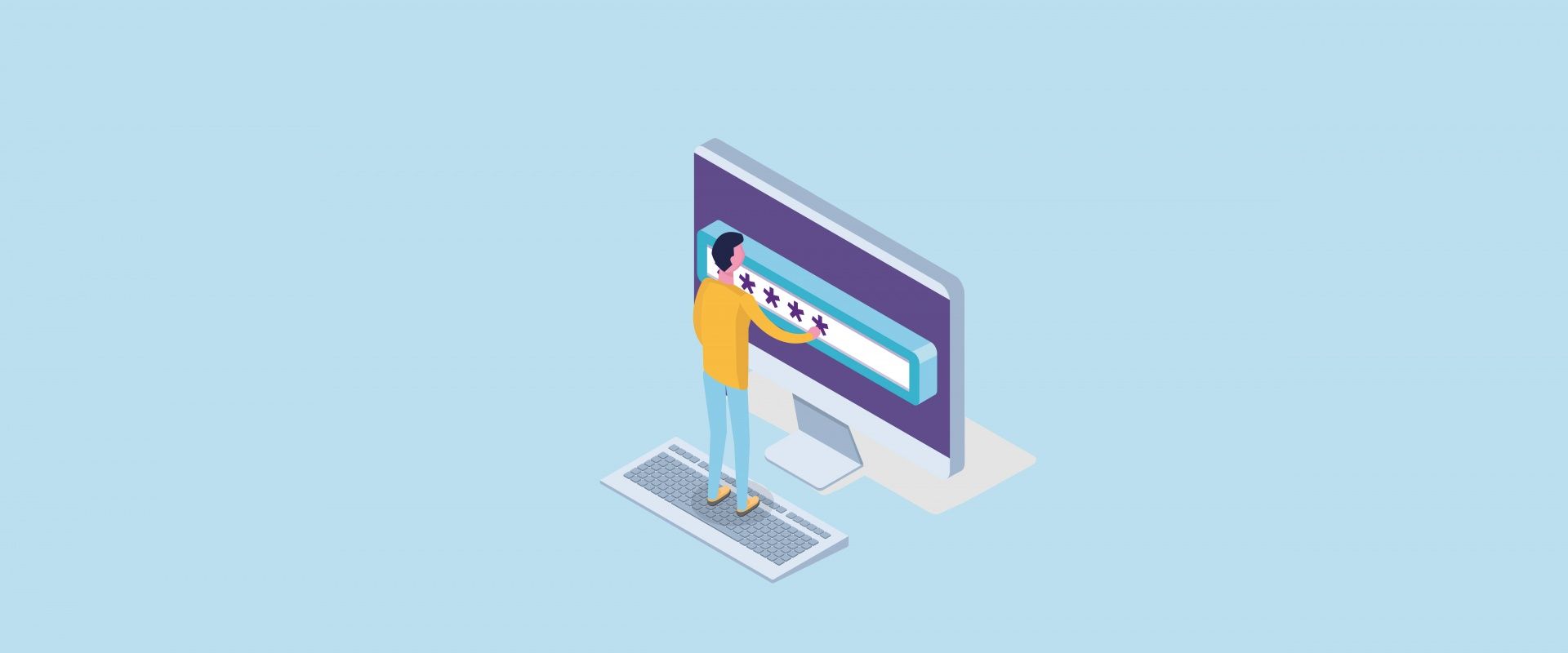
Choosing a strong password, where do I start? image

So be aware of the risks and of your own key role in securing your data. And that starts with choosing a safe password. No idea where to begin? We’ll get you started quickly with a few basic principles and some extra tips!

Basic principles: as long and unpredictable as possible!

When you create a password for a new registration, certain requirements are usually imposed. The traditional advice for a long password exists for a very good reason, and it goes as follows:

  • Choose the longest word possible, preferably with at least 13 characters. The longer the better, don’t be modest.
  • Use a mix of lowercase letters, uppercase letters, numbers, and symbols.
  • Even though they’re easier to remember, don’t use a logical word (or word combination). Even if you replace vowels with numbers like in L3v3L27: the more logical a password is, the easier it is to crack.

In addition to these general guidelines, it’s crucial that you pick a strong password for your email address. Your email is used for practically every other registration. Even if you choose a different password for each login, a reset via email can unfortunately happen very quickly.
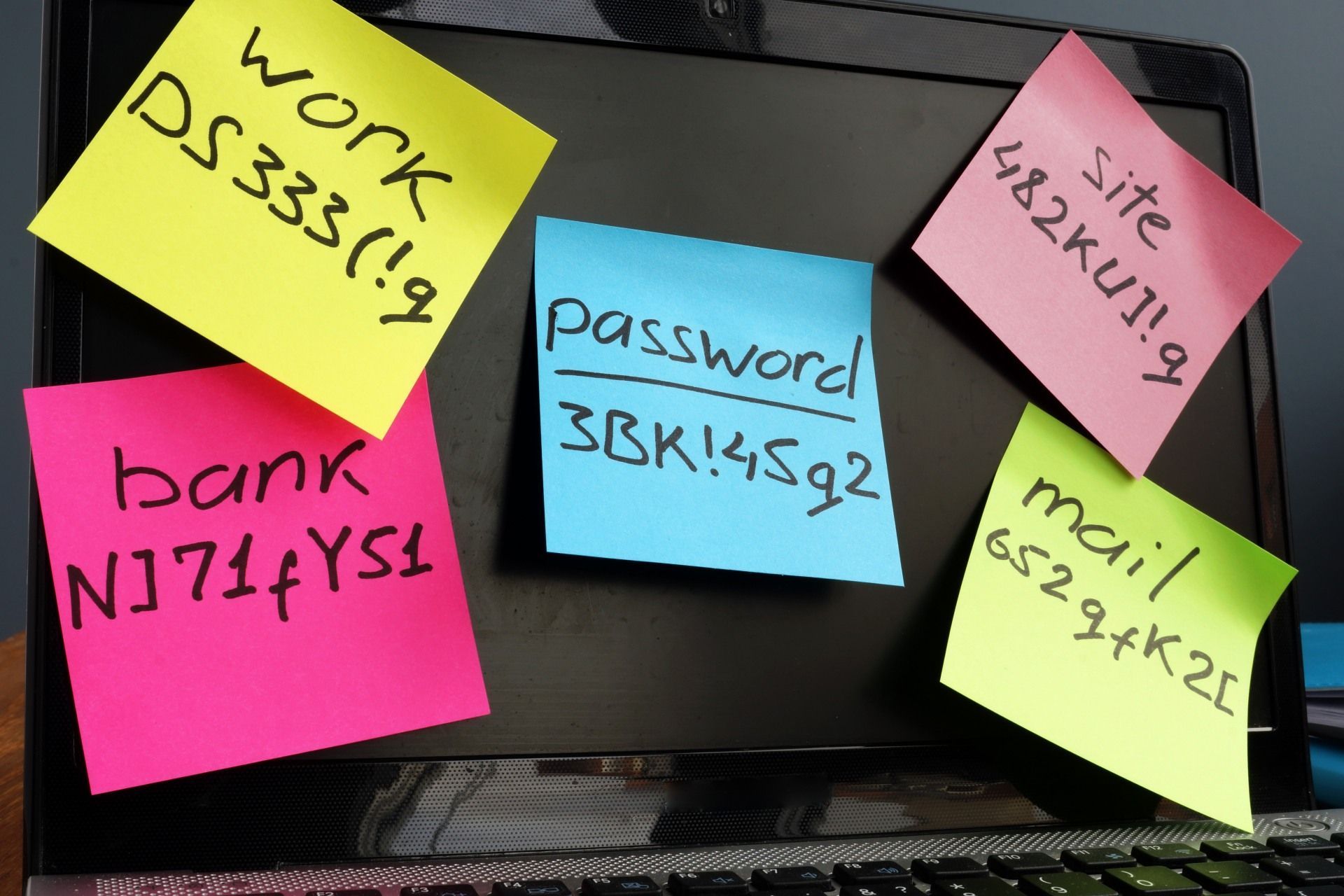
image384

And what about compatibility with our brains?!

If you take these requirements into account, creating your password is actually pretty simple, just smash angrily on your keyboard. But how on earth are you going to remember it?

  • Mnemonics, remember those from school? Create one or more sentences that you can easily recall, and build a password from the first letters: Ik ben Jilly & houd van Level27! Mijn favoriete collega is...?! → IbJ&hvL27!Mfci...?!
  • Make a logical word out of an illogical one. Pick a random jumble of letters and numbers that form a sound you can easily memorize, for example: pL0x!doEpLi3?. It makes no logical sense, but the sound [ploksidoeplie] will stick in your head.
  • Or simply don’t remember at all! Forget sticky notes and use a password manager like Dashlane or Lastpass instead. These tools allow you to safely store all your passwords and other sensitive data in one secure place. Dashlane, for example, lets you save up to 50 passwords for free, giving you the opportunity to avoid reusing the same one everywhere.

Two factor authentication (2FA)

Two-factor authentication adds an extra layer of security when logging in. In addition to entering your password, a code is sent to your phone that you’ll need to enter before you can actually sign in or make changes. For all Google apps, you can, for instance, use the Google Authenticator App.

Many applications offer 2FA, but maybe you’ve dismissed it in the past because you weren’t sure what it was? Now you know, and we highly recommend enabling it whenever possible. Extra protection at no extra risk, why wouldn’t you?

Finally: definitely do/don’t!

To wrap up, here are some absolute do’s & don’ts we haven’t mentioned yet. If you’re thinking, “Well, duh, that’s obvious!”, great! Sadly, not everyone follows them:

  • Don’t use well-known sayings, proverbs, or other clichés.
  • Change your password regularly! In a professional context, every few months is best.
  • Never share your passwords.
  • Avoid repetitive or sequential combinations like aaaaaaaa or 12345678.
  • Don’t use personal information such as birth dates (yours or family members’), (nick)names, ages… basically, nothing that can easily be found on Facebook.

Stay informed

Subscribe to our newsletter and receive the latest updates on our products and services.

By subscribing, you agree to our privacy policy