What is Varnish?
Varnish provides page caching on your website. This means that when a user visits a website, the result is stored in memory. The next user who visits the same page will immediately see the (pre-loaded) page. Your website will therefore respond faster because no computing power is required from the server, and this also ensures that fewer resources are used.
Page caching (and caching in general) also has a dark side, because when exactly do you stop caching? A concrete example: you modify the content of a page and want the users of your website to see the result immediately. Then you have to make sure that the cache is emptied, otherwise visitors will continue to see the page without modifications. Is your website a webshop? Then extra attention is needed because the content of the page may differ between different users, such as the shopping cart. Fortunately, there are plugins that can help you with these kinds of problems.
A while back, we wrote a blog about all the technical details of (Varnish) caching. In it, you can read that caching isn't as simple as “making your website faster with the push of a button.” But we've changed that now ;). To make caching user-friendly, we've developed a Varnish template so that anyone can make their website faster.
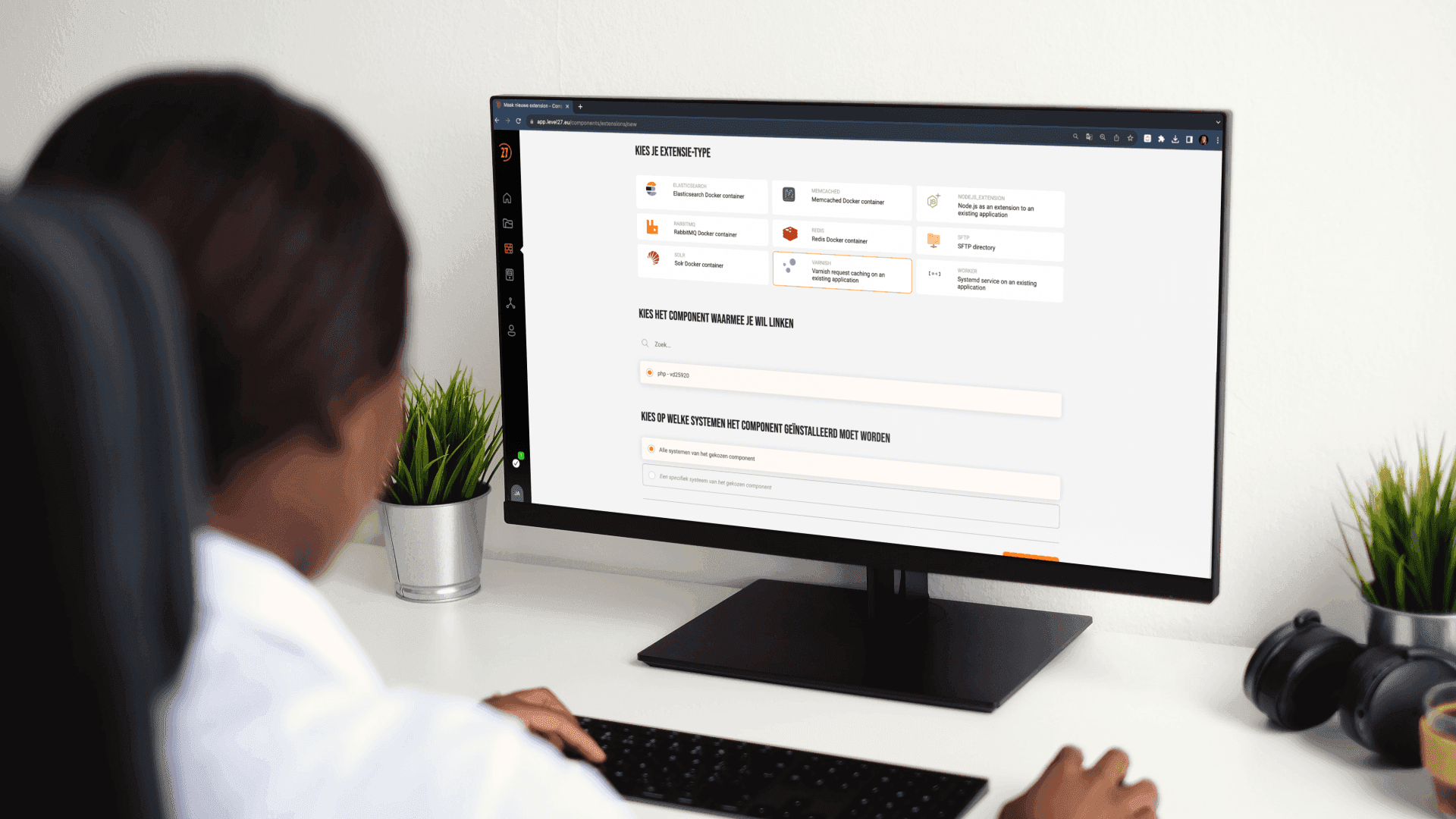
The Varnish template in our control panel
The Varnish component is what we at Level27 call a linked component. By this we mean that you will need to link/connect the component to another component, such as your PHP website.