logo level
SME
Agency
Large enterprise
contactOperationalControl Panel
newswhat-challenges-does-remote-working-bring

What challenges does remote work bring?

Many organizational and human problems arise, but we won’t focus on those right now. In this blog, we’ll focus on the technical challenges that remote work can cause.

Large enterpriseSME15/12/2020
What challenges does remote work bring? image

Remote Work Challenge 1: The Wi-Fi is Terrible!

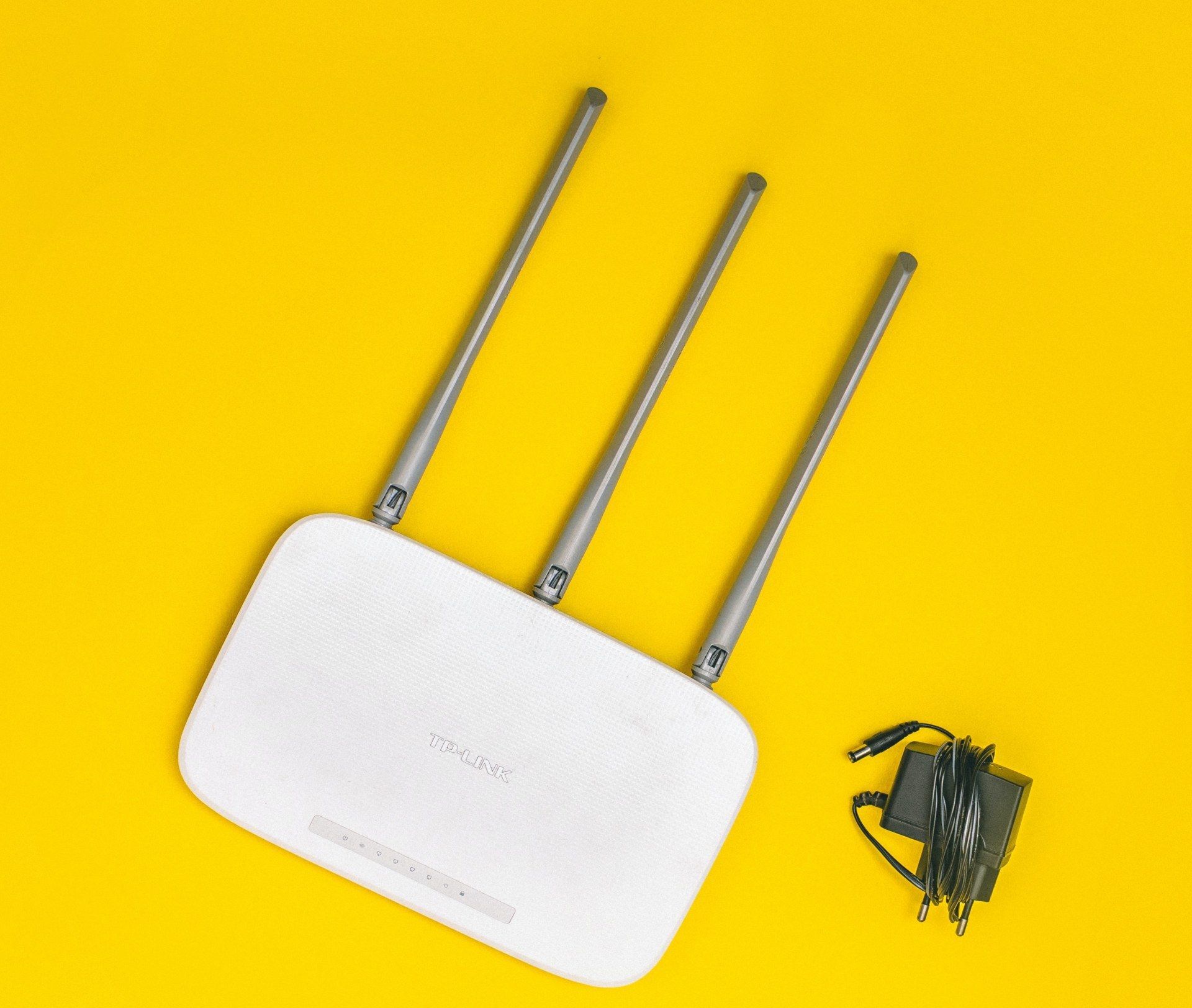
For most people, at home, you’ll find a Telenet or Proximus connection where Wi-Fi comes through the modem. It’s often tucked away in the meter cupboard or hidden somewhere in the back. When your son or daughter complains that a YouTube video or an online game on the PlayStation keeps buffering, it probably goes in one ear and out the other. After all, the world isn’t ending.

But that changes when you’re the one constantly plagued by a poor connection. As a result, you can’t work properly from home, which can be pretty frustrating. So how do you fix this? Resetting your modem or turning the Wi-Fi on and off? No, that doesn’t really help. So what should you do?

image395

Solution 1: Get Mesh Wi-Fi at Home.

Often, your desk is too far from the modem or the signal gets blocked by the walls inside the house. This means that your Wi-Fi signal will be much stronger near the modem compared to a room on the attic that’s farther away. The ultimate solution is to install Mesh Wi-Fi.

With Mesh Wi-Fi, you’ll install multiple routers at home. This ensures that your laptop has several access points to the network, and it will connect to the point with the best signal strength. Simply put, these routers strengthen the signal around the house, so you’ll have good coverage in every location.

You should ideally connect the routers with an internet cable. However, running new cables through the whole house can be tricky. That’s why you can also connect the routers wirelessly or through the power network.

Remote Work Challenge 2: We’re Going to Need a Bigger Pipe!

There are several ways to work from home. If a company has fully switched to cloud-based applications, remote work is usually not much of a problem. Unfortunately, the vast majority of organizations still have internal servers and applications. Additionally, certain jobs sometimes require powerful workstations, such as for architects or machine designers.

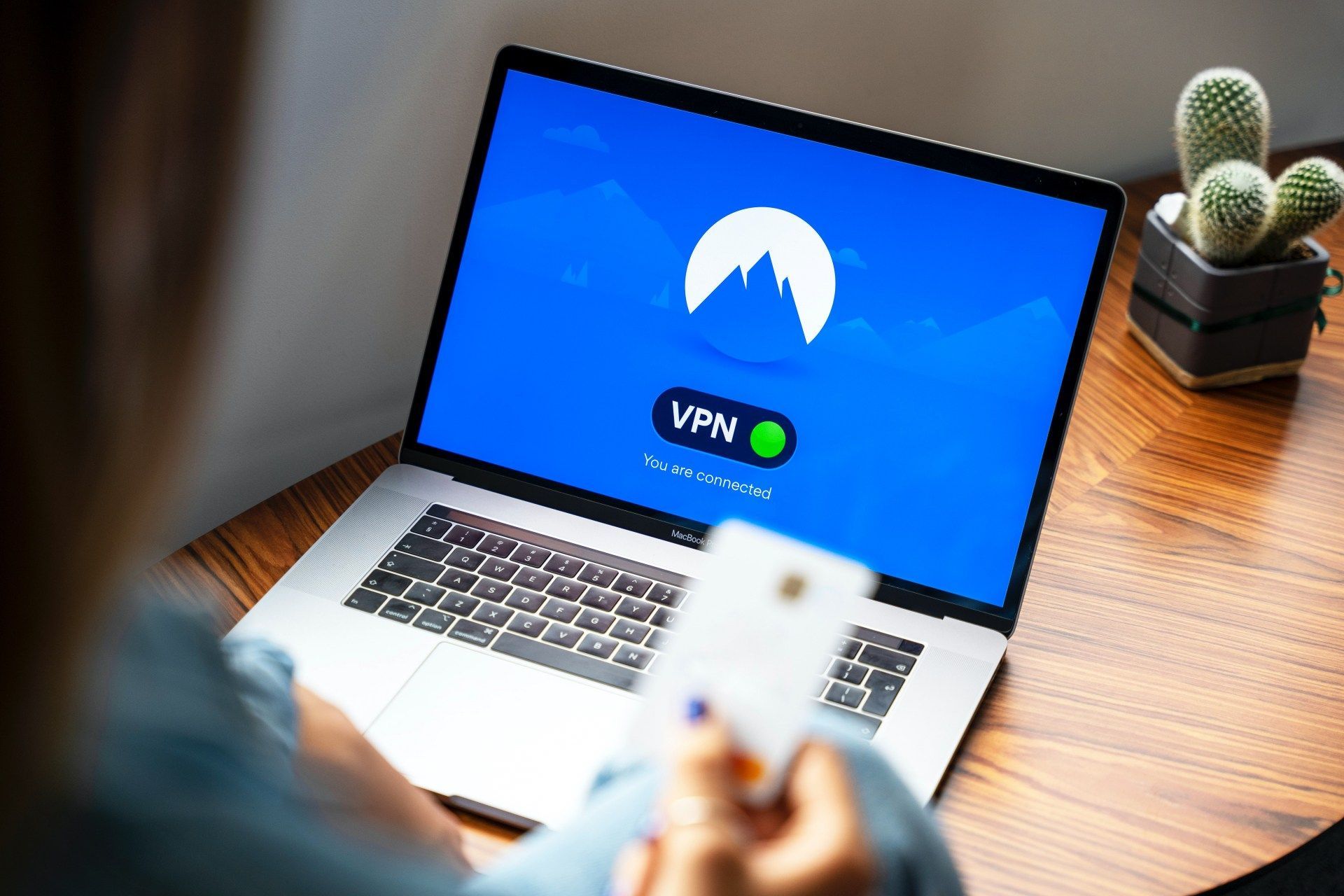
What usually happens is that remote workers connect to the office via VPN and take control of their PC using Remote Desktop. That PC is always on, as if you were in the office. Organizationally, this still requires someone at the office to turn the PC on.

In practice, such a VPN connection usually runs over a telecom operator’s line. The consequence of this is that the upload speed becomes much slower, especially when several of your colleagues are working over this connection.

Solution 2: A bigger pipe!

  • A simple problem with a simple solution. At home, you usually receive a standard asymmetrical connection. You should convert this into a symmetrical connection. If your office is in the middle of a large city, fiber optic is a feasible option. But if you work outside the city center, this can be quite expensive. Basic packages to get a symmetrical line at home can quickly cost up to 250 euros per month. If this isn’t an option for your budget, there are few other alternatives than relocating your company’s servers. The best solution is actually a combination of both: securely and efficiently managing your servers remotely while ensuring a fast connection for your users, both over the internet and from your office.
  • Invest in better VPN compute power. VPN solutions within companies are often designed for a limited number of remote workers because most people were still working from the office during the day. In 2020, this flipped entirely: a few people may still work locally, but the majority are working from home. As a result, not only are licenses running out, but the old central firewall at your company may not be able to handle it.
  • Migrate your internal applications from on-premise to a cloud solution. This is, of course, a long-term solution. Choose a solution where you can consume by service and flexibly adjust the number of users. However, some of your internal applications will need to be partially rewritten, so this will take some time. But everything depends on a solid strategy, especially for your internal IT. Today, this goes far beyond just making sure your staff have laptops.
image393

Telework Challenge 3: VPN Software

What a mess, those VPN clients!

The classic solution IT departments often come up with is to choose a newer and better technology. However, this often creates a lot of confusion as some people continue using the 'old' VPN. Additionally, you might have external employees who now suddenly need to have your VPN on their company laptop.

The quality of the VPN fluctuates depending on both your central office connection and the home user connections. Fortunately, today VPN is no longer needed for every user. Many modern applications like Microsoft 365, Google Docs, Teams, and many others are accessible without a VPN. However, many companies still have essential internal applications that are only accessible via VPN.

Solution 3: Provide a solid foundation

The only real solution here is to build a strong organizational foundation and ensure a quality follow-up of the VPN connections and all types of external users. This means having a clear strategy for VPN use and ensuring that all employees, whether working externally or internally, are aligned in terms of technology.

Telework Challenge 4: Security

Until recently, all users worked behind a central gateway at the office. Every website that was accessed was first scanned for viruses and other threats. Everything was centrally managed with strong security measures in place to protect company data. Now, from home, all these security measures need to be managed remotely.

Employees surf the web using their own internet connections, which are often outside of the organization’s control. There is little or no control over the websites employees click on, and often other unmonitored devices are connected to the same network, such as laptops of partners or children. A wrong click can lead to an infection of your network, which can spread quickly. This makes the employee's home network an easy target for hackers.

Extra: Were there more cyberattacks in 2020?

Yes, absolutely! During the lockdown, everyone had more free time, and hackers actively sought out new opportunities. Moreover, employee devices are easier targets than company devices, as they often lack proper security measures. Phishing attacks, in particular, saw a sharp increase since the outbreak of COVID-19, with attackers taking advantage of the vulnerability of isolated remote workers.

DDoS (Distributed Denial of Service) attacks also became more common. Companies that relied solely on their online shop as their income source were often quicker to pay ransom when they had no other options. Additionally, many companies had to quickly transition to fully remote work after closing physical stores, which led to some websites and internal processes not being set up securely, making them easier targets for hackers.

image392

Solution 4: Secure It!

Security and availability, that’s a multi-layered story. There’s no one simple solution, but it’s a journey on both technical and human levels.

First, you need to make sure all your devices, servers, firewalls, etc. are up-to-date. It’s also important that your people are well-trained and can quickly identify what’s suspicious. Moreover, you should know exactly what data your company holds and where it’s stored, while ensuring you have good logging in place in case issues arise.

You also need to prepare your company for the possibility that you might one day become a victim of a cyberattack. How do you respond? What processes can mitigate the impact of an attack? Is there an action plan in place? Has this plan been tested and is it executable? Who takes the lead at which moment? And how do you teach employees to handle potential threats? All these elements together make your business more resilient to cyberattacks.

Telework Challenge 5: Video Calls Lagging

After struggling with your webcam and sound settings, you’re finally ready for the long-awaited call. It’s 2020, but my colleagues sound like they’re underwater and look pixelated like they’re in a ‘90s video game. These days, we’re used to streaming a Tarantino movie on Netflix in 4K with perfect Dolby Surround sound on the home theater. But a simple video call with 4 or 5 people barely works. How does this happen?

Playing audio and video, in itself, is a fairly simple concept. But imagine you have to live stream five different cameras and audio streams remotely and send it back to those same five users simultaneously. That’s much more complex than streaming a movie to one person.

Technologically, the cameras in most laptops haven’t kept up. Especially when compared to what a cheaper smartphone can do today. There are also certain brands that haven’t placed the microphone in an optimal spot, which is even worse than a bad camera. Combine that with Wi-Fi that sometimes falters or an internet connection where the entire household is active? That doesn’t bode well.

Solution 5: Investing in Equipment Pays Off

If you were to invest as much in your video conferencing equipment as you do in your home cinema, things would go much better ;). A good home office where you can work for hours needs a large external monitor. Plug in a high-quality external USB webcam. Also, make sure you have a good headset so you can hear clearly without the sound being immediately picked up by the microphone. And of course, combine all of that with a fast and reliable internet connection, and suddenly you’re living in 2020, not in the ‘90s anymore :).

image394

Stay informed

Subscribe to our newsletter and receive the latest updates on our products and services.

By subscribing, you agree to our privacy policy