
Tip 1: Use analysis tools
Implement analytics tools such as Google Analytics to gain insight into user behaviour on the website. Analyse key metrics such as page views, bounce rate, average session duration and conversion rates to identify weaknesses and make improvements.
Tip 2: Perform A/B testing
A/B testing is essential for determining which design and content variants perform best. Test different elements such as call-to-action buttons, form layouts and page layouts to discover what is most effective for stimulating conversions. Keep track of your results, implement your successes and increase your website's conversion rate after each test!
Tip 3: Optimise your website's loading time
Fast loading times are vital for a good user experience and SEO. There is also a proven relationship between the speed of your website and visitor behaviour. The faster the website, the more interactions you have with visitors. And vice versa. So, simply put: if your website is slow, you lose revenue.
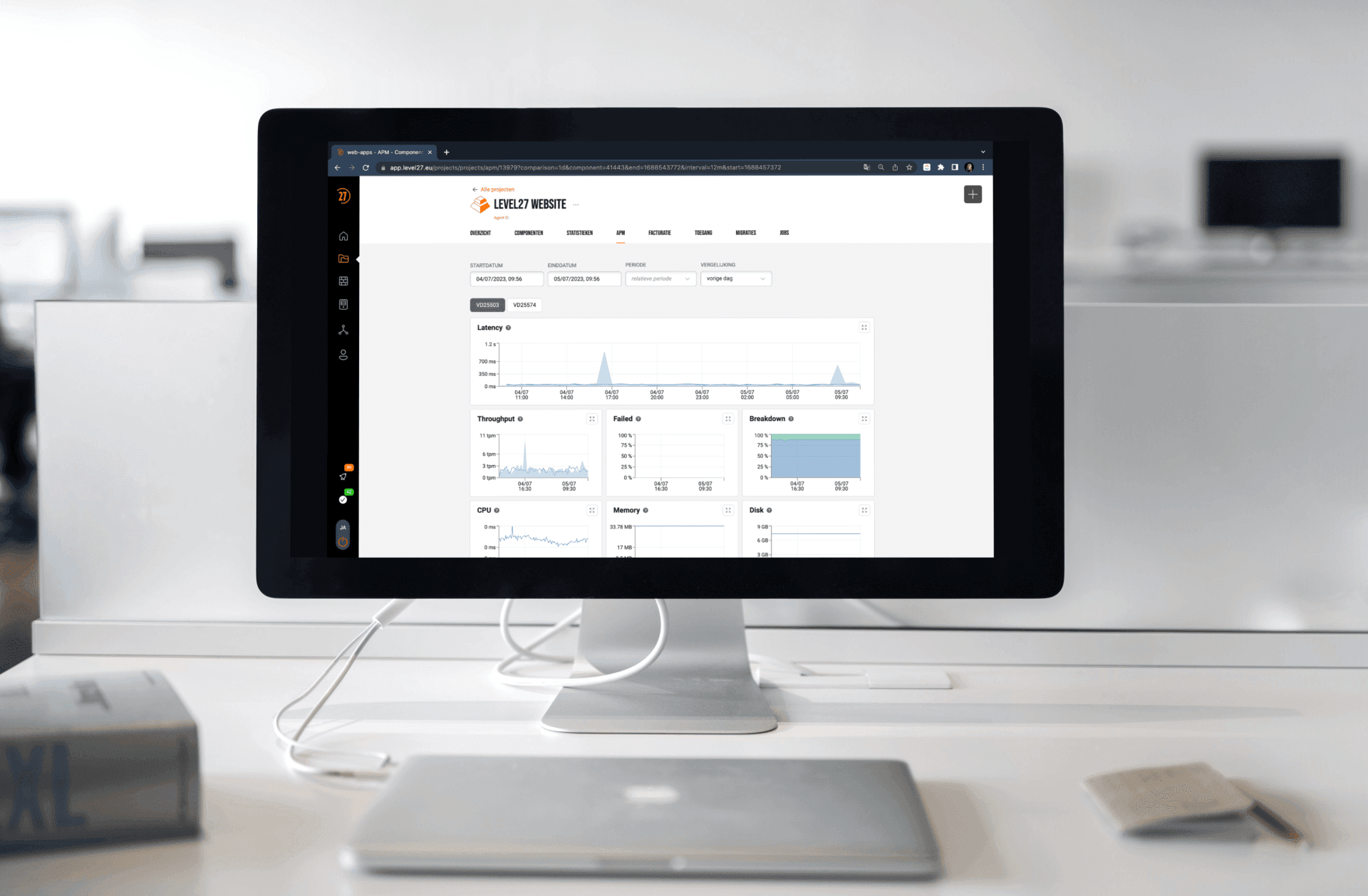
You can use tools such as our speedtest to analyse your website's loading time and identify bottlenecks that slow down performance. If you host with Level27, we measure this automatically via our APM and proactively notify you of any issues.
Is your website (too) slow? Take the speedtest here.
Tip 4: Improve the mobile experience
As more and more people are browsing on mobile devices, it is essential to ensure that your website performs well on smartphones and tablets. Make sure you have a responsive design and regularly test mobile performance to guarantee an optimal user experience.
Tip 5: Use heat maps and clickstream analysis
Heatmap tools and clickstream analysis provide valuable insights into how users interact with the website. Identify hotspots, click paths and areas with high drop-off rates to understand where users focus their attention on the website and where optimisation is needed.
Tip 6: Follow the process
Why do people (not) convert? By tracking the process leading up to transactions, you can see in detail what that page was doing at that specific moment. Was it executing code or waiting for a database or an external API?
In concrete terms, by tracking these transactions, you can detect more than 95% of all application problems! This is easy thanks to the integration with Level27 APM.