
logo level
SME
Agency
Large enterprise
contactOperationalControl Panel
newsdomain-transfers-what-why-and-how

Domain transfers, what, why and how?

You have probably already heard the words domain transfer once, but what exactly does it mean to move a domain? Why would you do a transfer, how do you start with it and what should you definitely take into account? With these kinds of questions we can certainly help you!

General19/09/2019
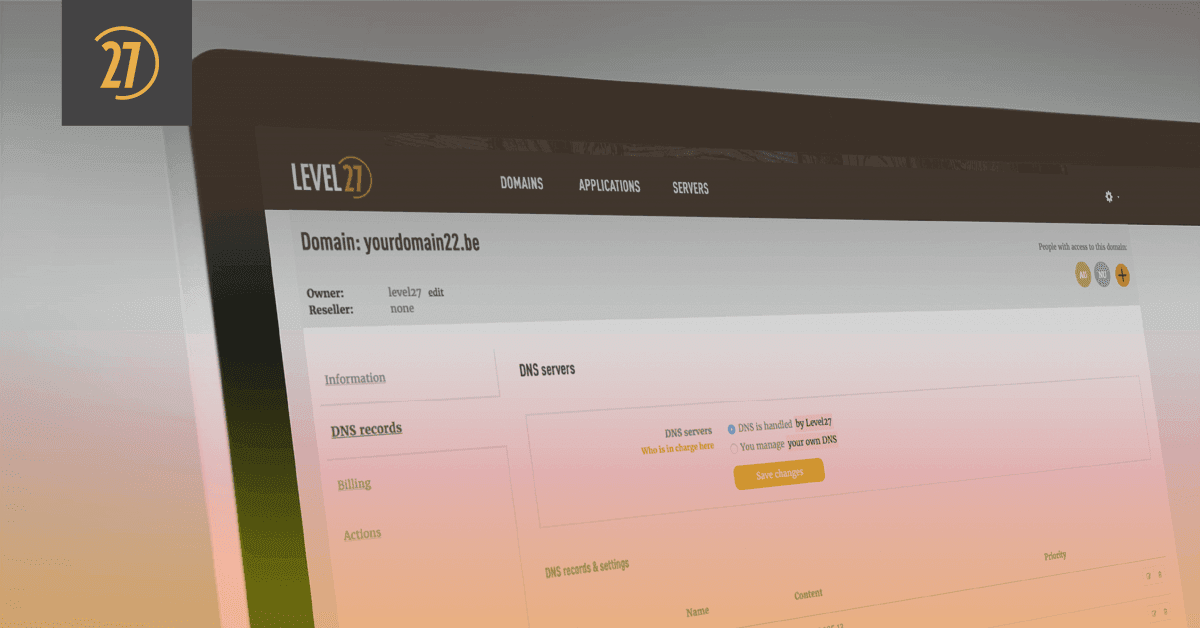
Domain transfers, what, why and how? image

Wait, why would I do a domain transfer?

The why question is probably the most important, since the other questions only arise as a consequence of this one. Suppose you registered a domain name through one of our competitors, but their service or prices no longer meet your expectations. Then you can choose to register your domain through a new registrar. Level27 for example ;). Of course you don’t want your domain to expire at any moment, because that would mean your website would be offline. In such a situation you can very easily choose to have a domain transferred.

Ready, set, transfercode!

The domain transfer always starts with requesting a transfer code from your current registrar. Once you have received that code, you provide it to your new registrar. The transfer code (or ‘authentication code’) is always sent to the email address of the domain owner.

So make sure in advance that you know for sure who the domain owner is, and that the code is not sent to an employee who no longer works for your organisation for example. If the email address of the domain owner is no longer up to date, you can always have it adjusted via your current registrar before requesting the code.

Once you have the code the process is very simple. Provide the code to your new registrar and they will handle the entire transfer for you. Level27 goes one step further in this, because via our own developed control panel you can very easily register a domain yourself and enter the transfer code yourself. Which steps you specifically need to follow for this, you can find in our Knowledge Base.
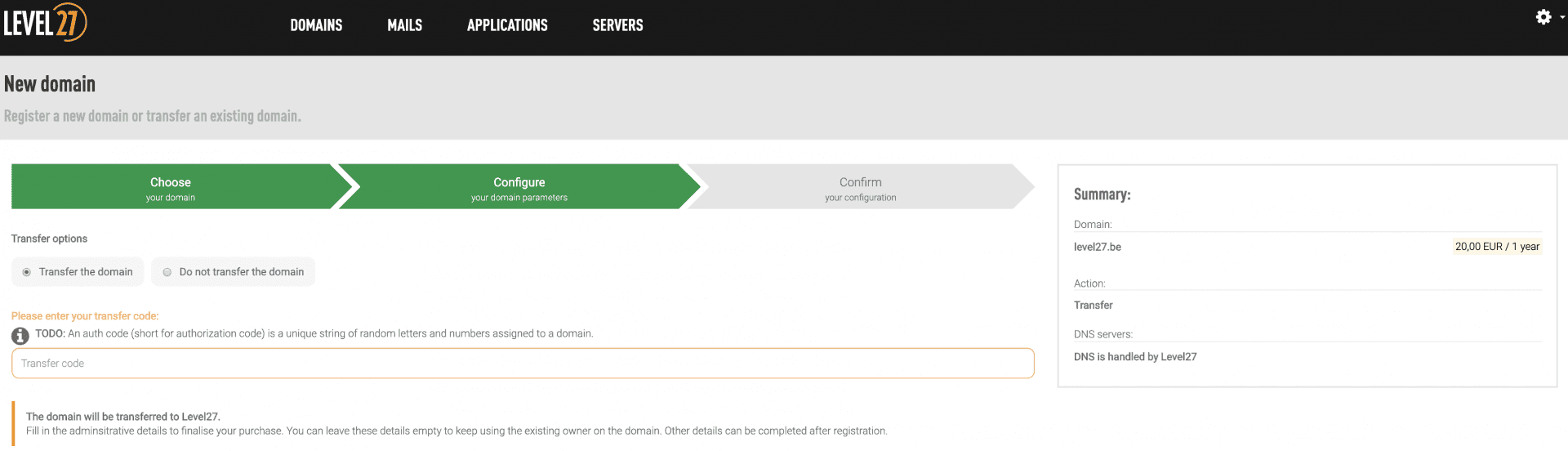
image385

Sh*t, the domain owner details are wrong!

Transferring a domain is in principle a very simple process, but sometimes it comes with complications. With these tips you’ll be well prepared in advance and make sure you don’t run into any problems:

Make sure the details of your domain owner are correct. An email address can be updated fairly easily, but name, address and phone number cannot. To change those details, an internal transfer must be performed each time, which unfortunately also comes with costs. When you transfer a domain from one registrar to another, it is possible to update all details free of charge. So a double-check never hurts!

Provide us with your transfer code on time. A transfer code is always valid only for a certain period. For a .be domain, for example, that is 7 days. The validity of that code is extended by 7 days if you request it again before it expires. You can repeat this process four times, but the fifth time you won’t be able to request a code for a whole week. So it’s best to communicate well with both your current and future registrar right from the start.

Every top-level domain has its own rules for registrations and transfers. To complete the registration or transfer of a .es or .pt domain, for example, you need a passport from the respective country. To know exactly what is possible for which extension and which steps you need to take, the RRPproxy Knowledge Base provides a nice overview. If the answer is still not obvious there, the Level27 team is of course happy to help you further!

Stay informed

Subscribe to our newsletter and receive the latest updates on our products and services.

By subscribing, you agree to our privacy policy